Worldwide and community channels
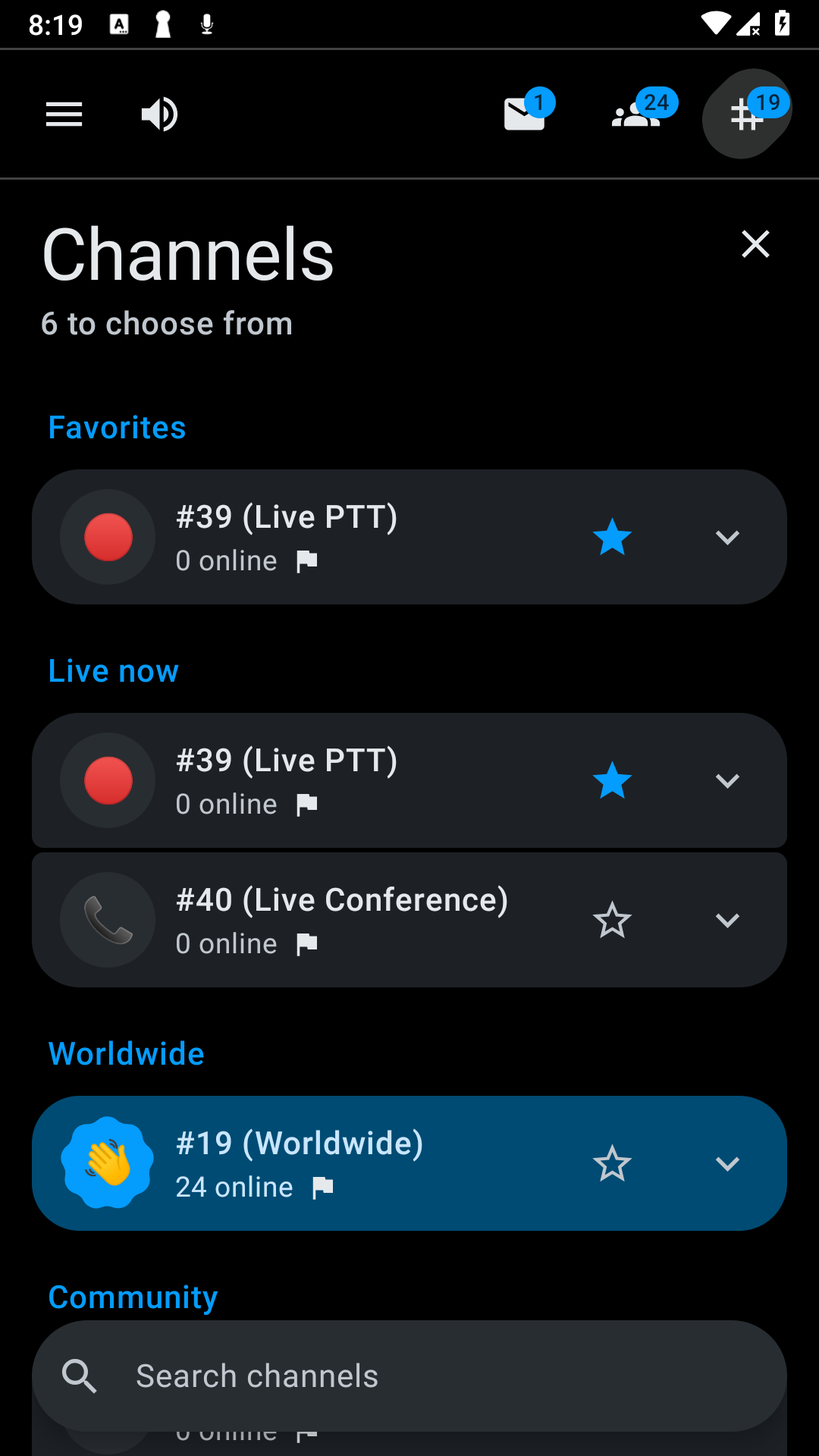
Jump into the busy Worldwide channel, browse the channel list, and star the rooms you love.
Walkie talkie · CB radio · Push-to-talk

Live on Google Play
Tap the button. Talk to the world. Listen live.
CB Radio X is a free walkie talkie and CB radio app. Jump into the Worldwide channel or pick a community room, press to talk, and hear people from everywhere in real time. No email and no password: pick a name and you're on the air. Built on the same voice network as Global Chaos CB Radio, with a fresh Material 3 Expressive design.
Free with ads. Optional VIP subscription removes them. Adults only (18+). Works on Wi-Fi, cellular data, or satellite links.
Fast to join, easy to tune, and in your control.
Talk
Listen
Three steps. Pick a name. Talk worldwide.
Choose a display name and you're connected to the Worldwide channel.
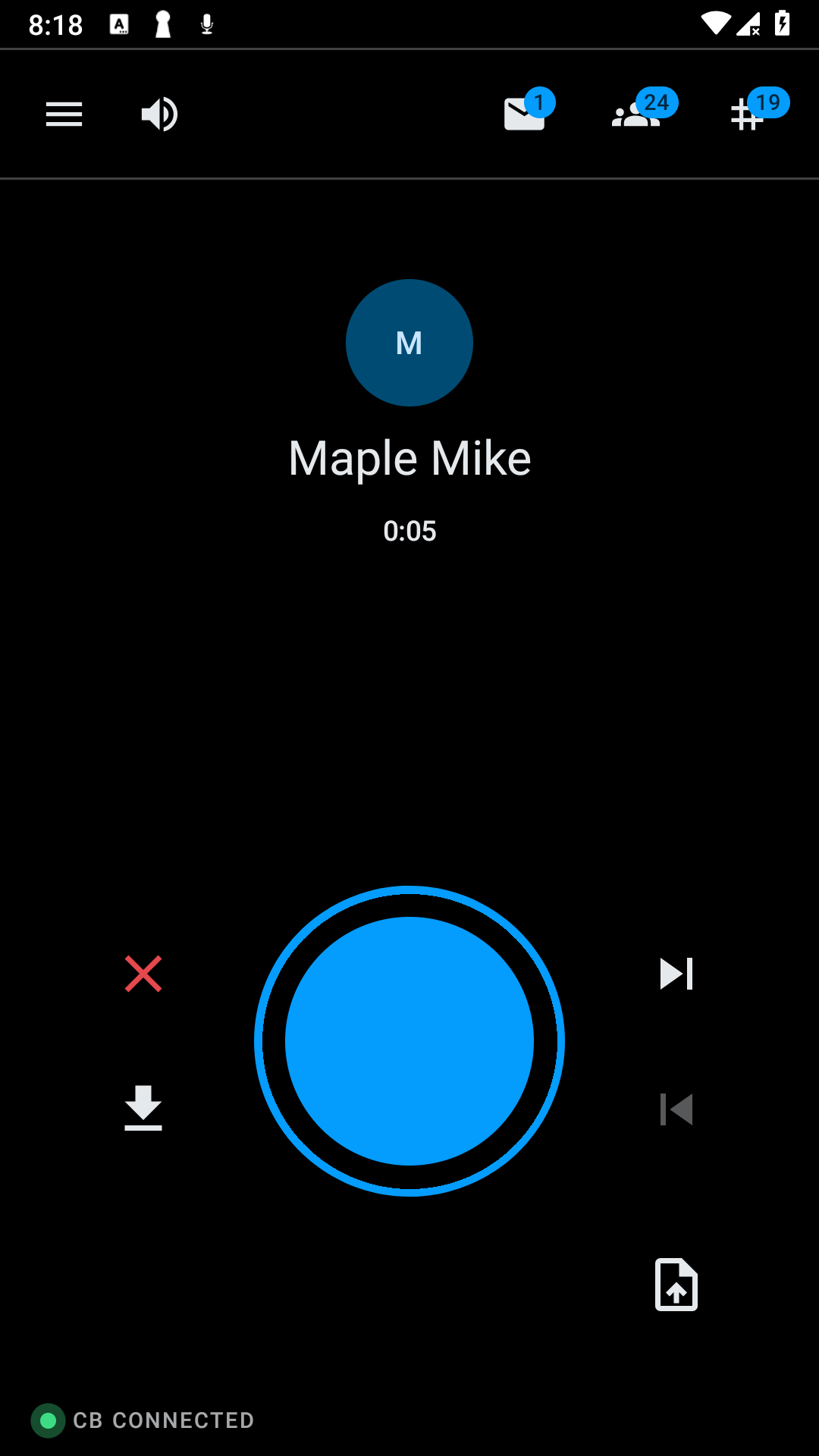
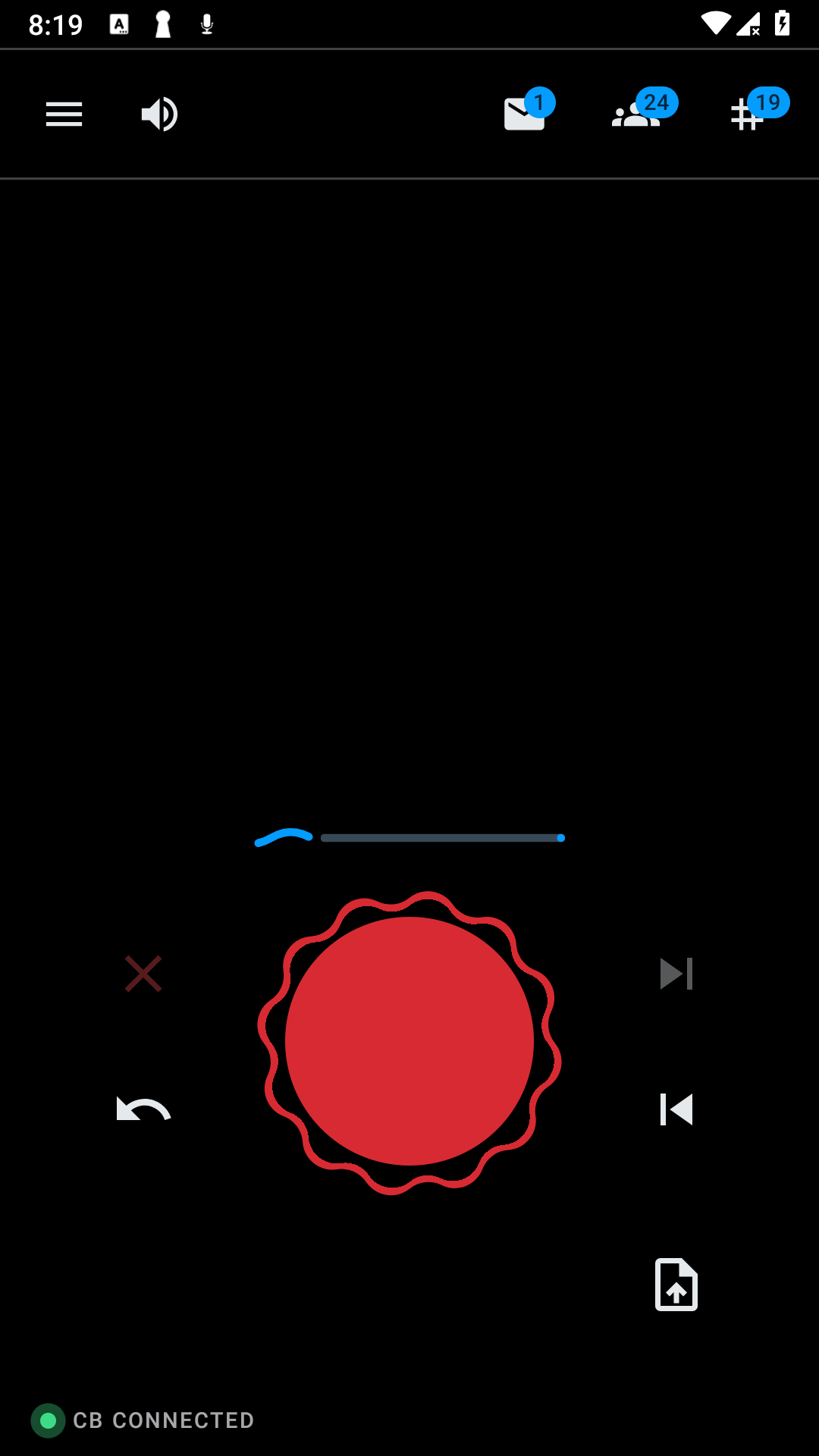
One speaker at a time, classic CB etiquette. Messages play in order and the speaker's name and picture show while they talk.
Star your favorite channels, add friends, and send private messages whenever you want a quieter chat.
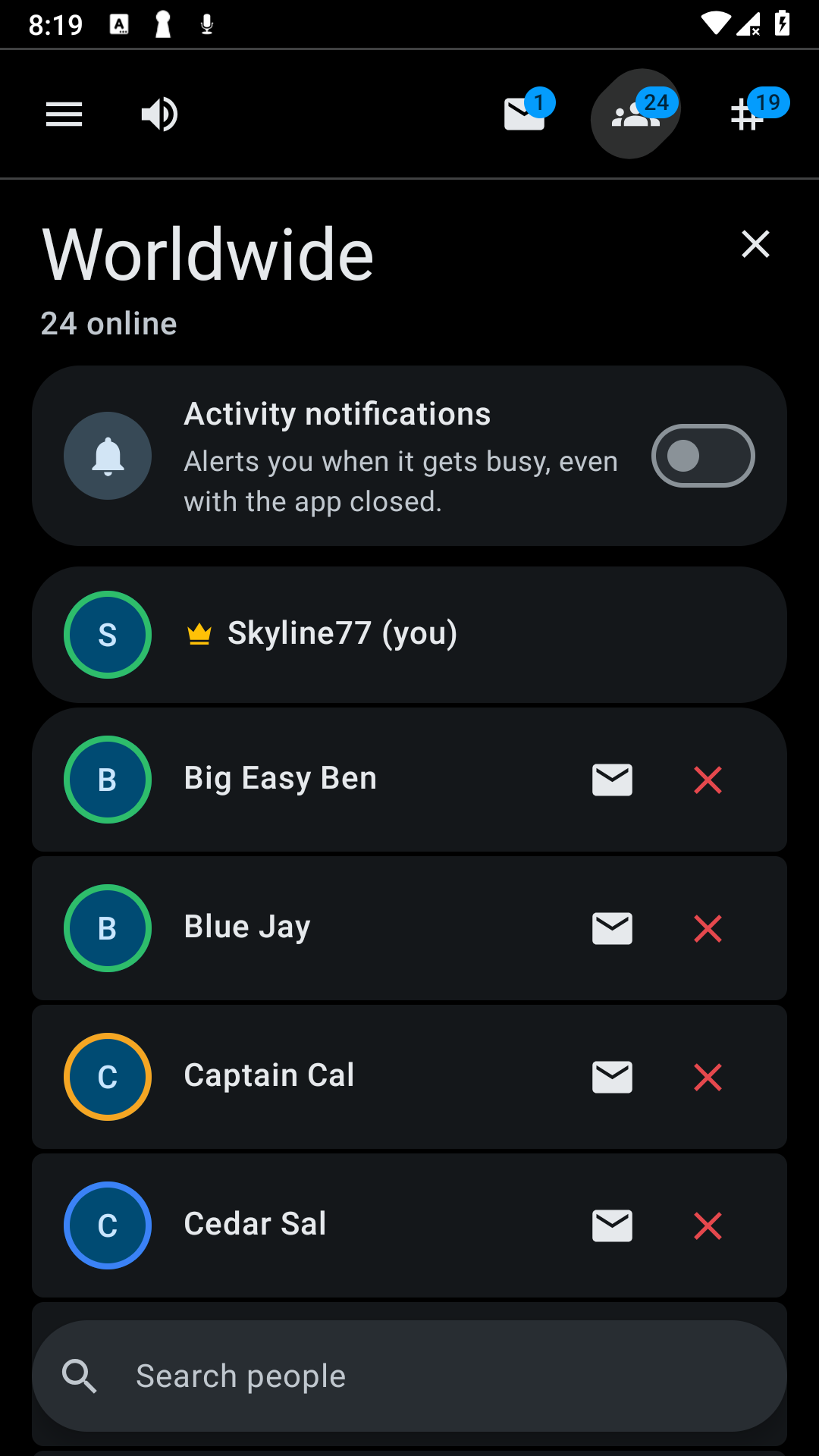
Real screens from the current version of CB Radio X.
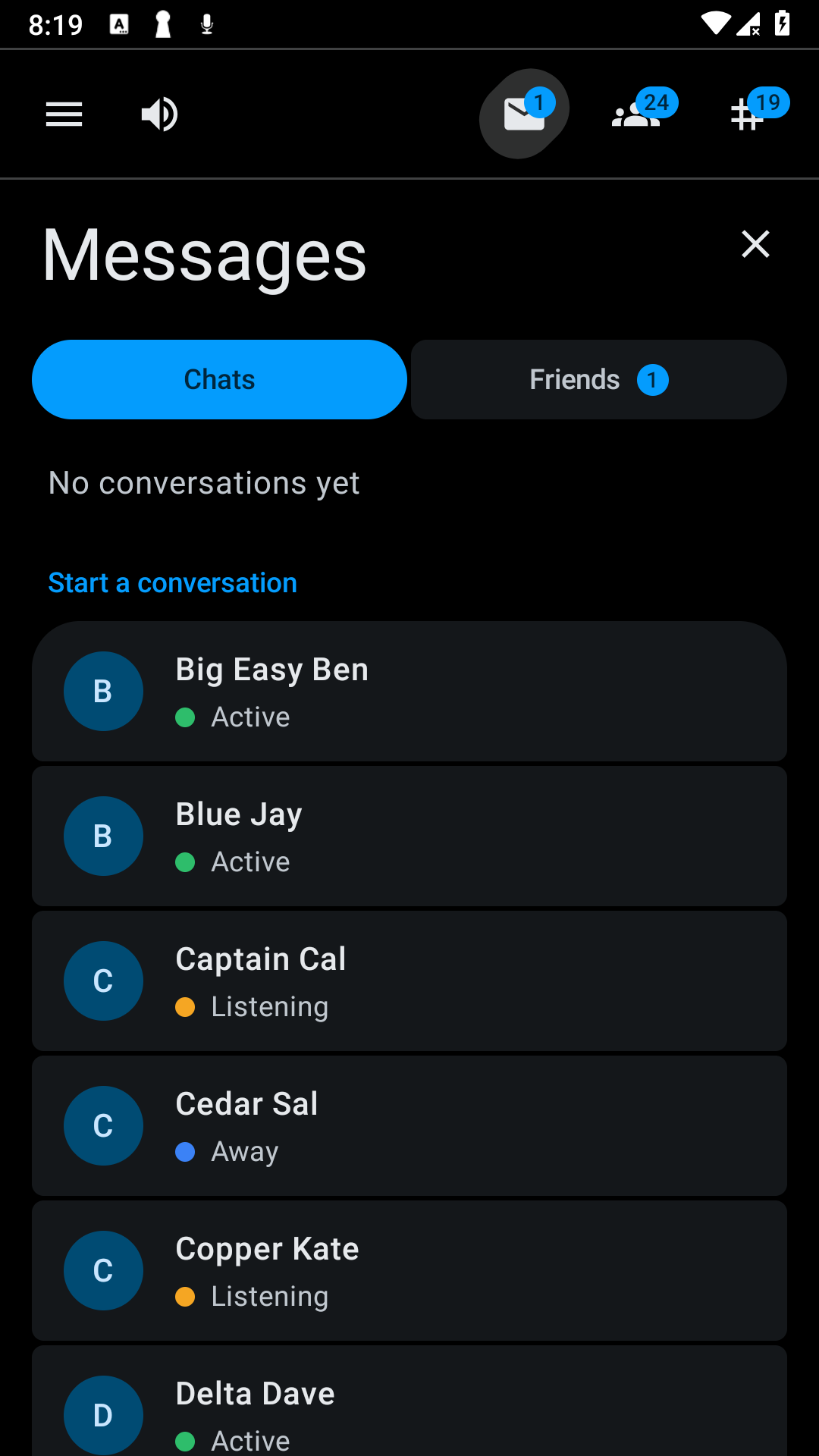
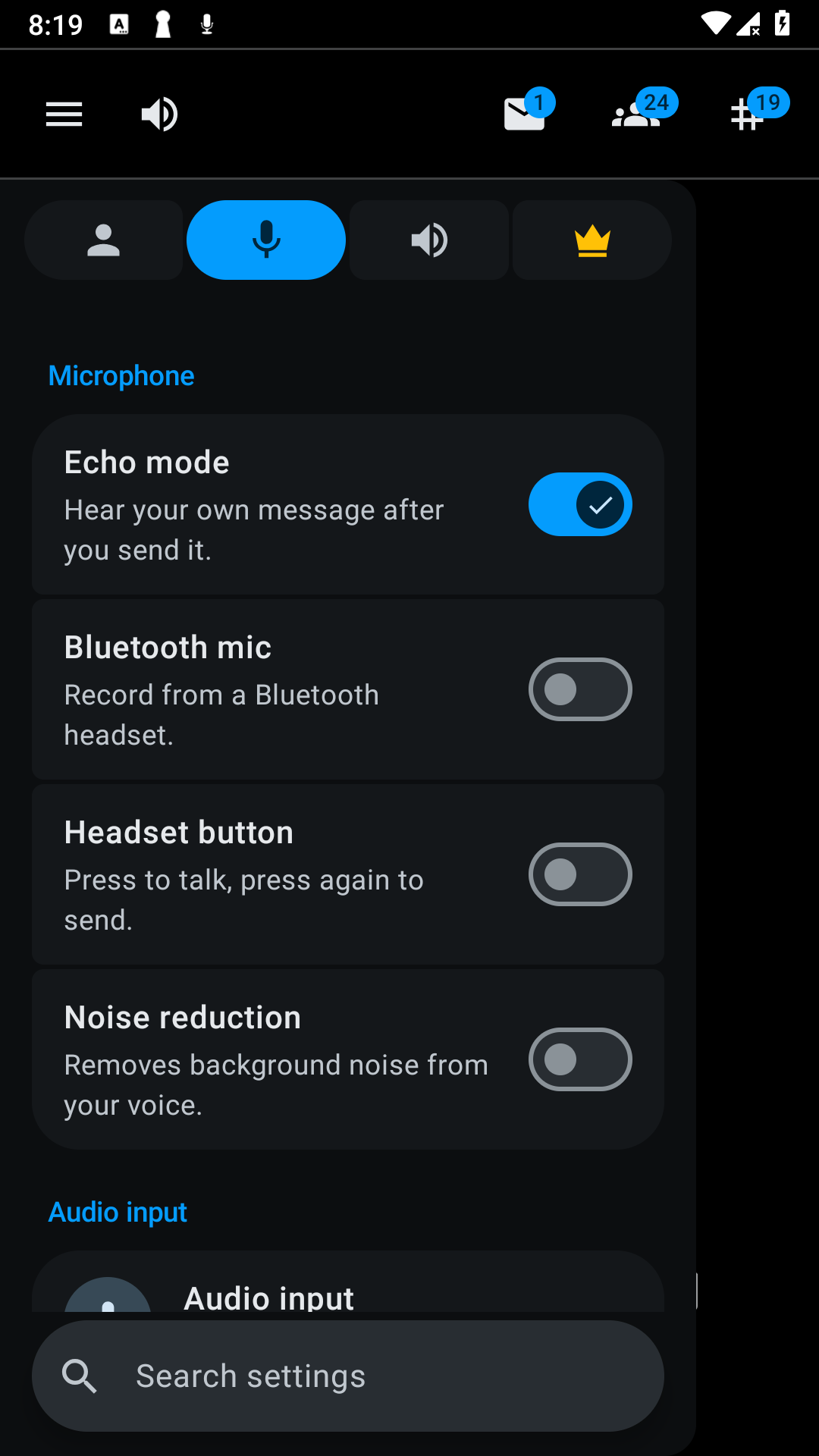
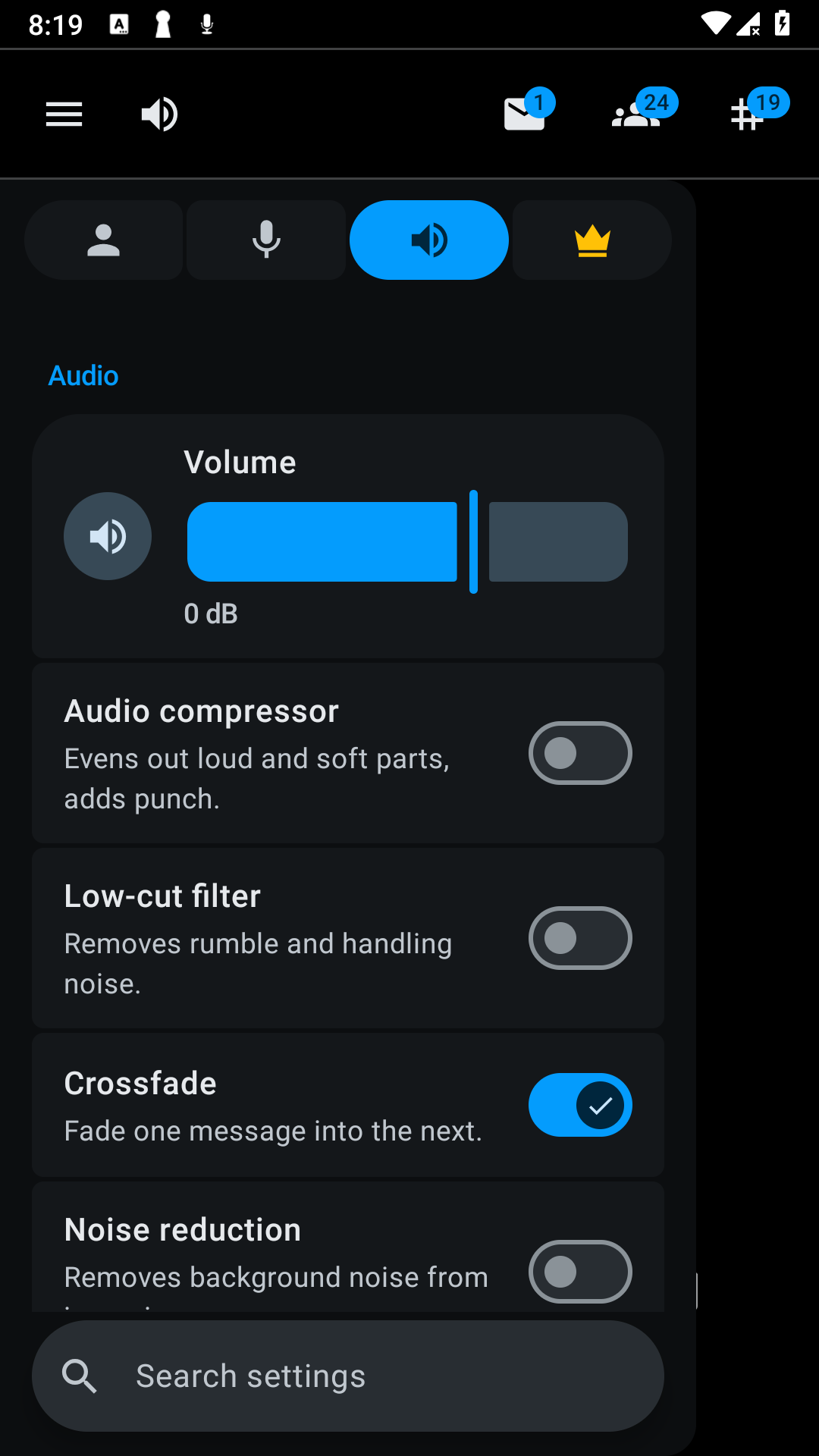
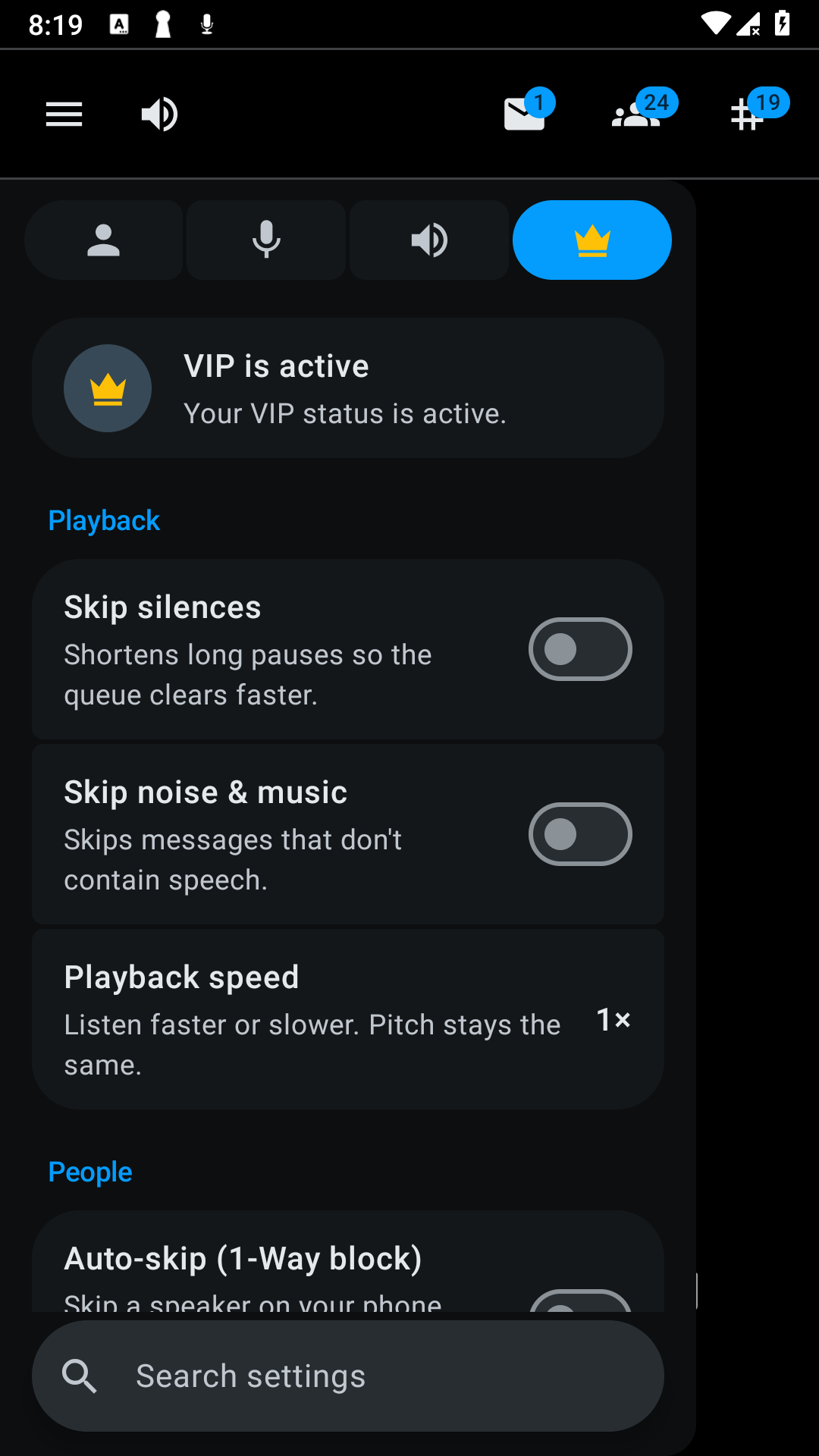
Made for tablets and Chromebooks too.
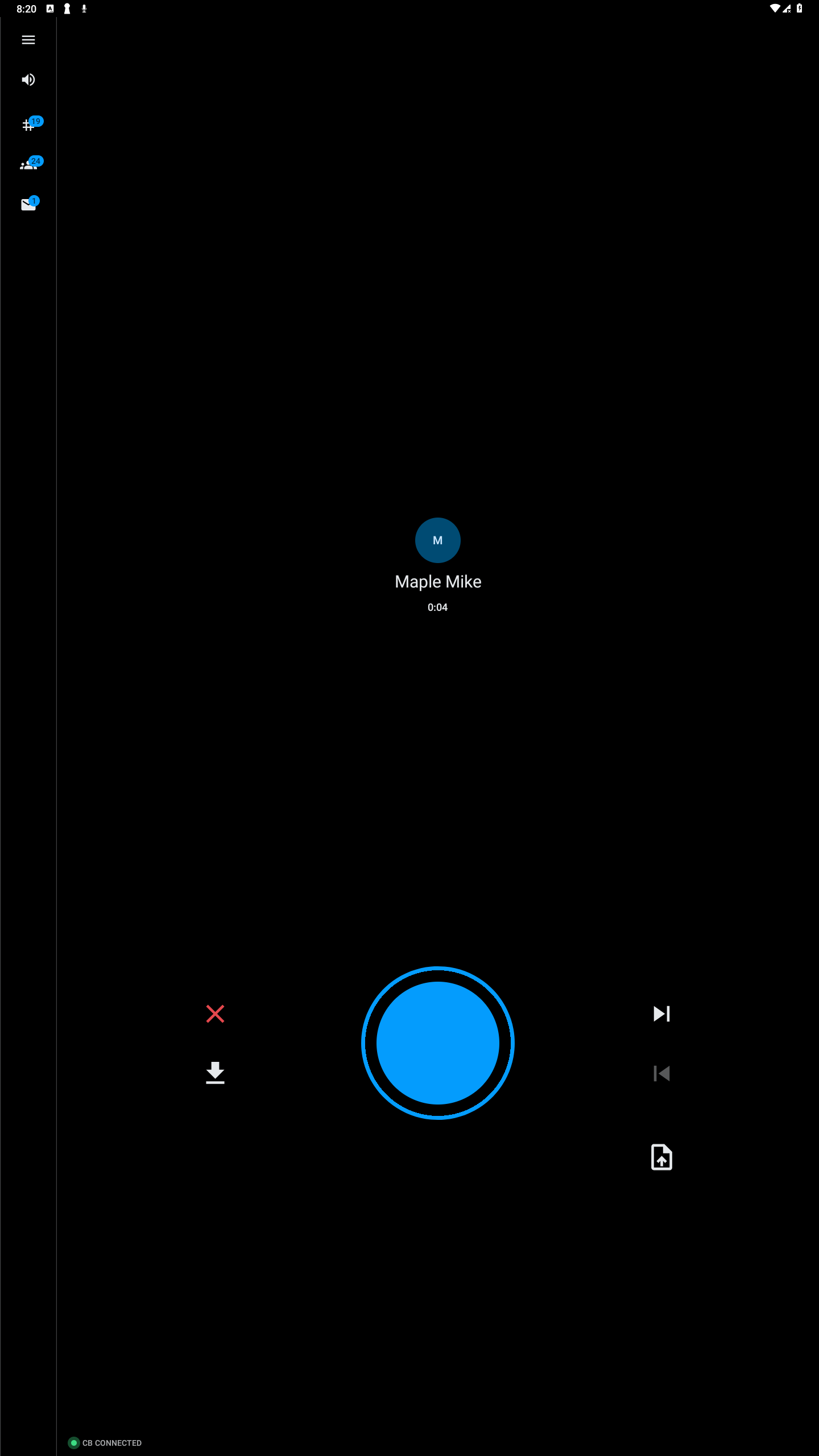
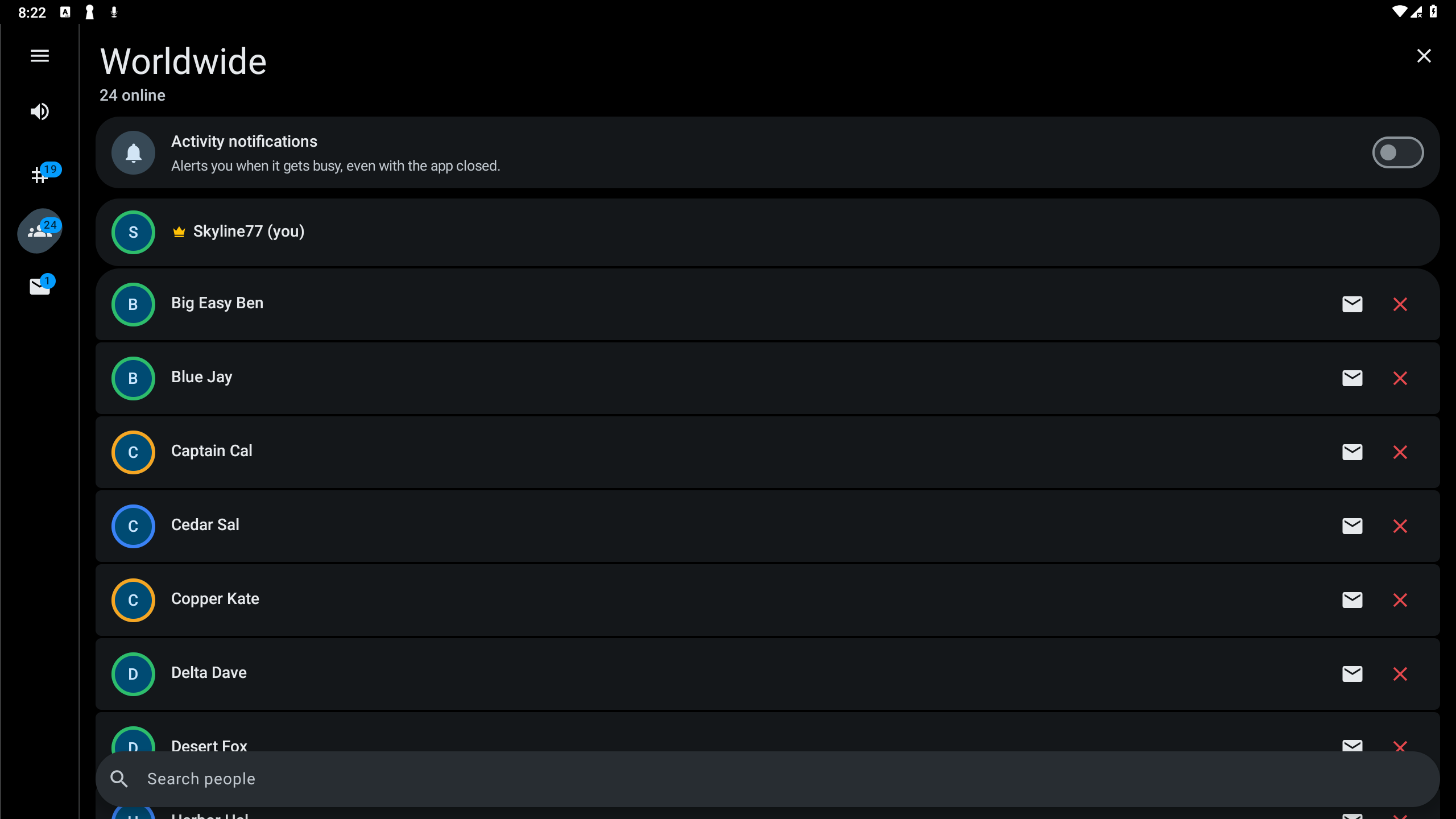
Jump into the busy Worldwide channel, browse the channel list, and star the rooms you love.
Turn on an optional alert that tells you when a channel gets busy, even with the app closed.
Send friend requests and chat one to one. A lock shows when a conversation is encrypted.
Profile pictures appear above the speaker while a message plays. VIP members can share pictures and audio clips.
Block anyone, auto-skip a speaker on your phone only, or leave listening devices out of your messages.
A fresh, springy design with a light theme by default and a dark theme in Settings. Phones, tablets and Chromebooks.
An optional monthly subscription. Manage or cancel anytime in Google Play.
Free on Google Play.
Prefer a browser? The classic web version is still online.