Global Chaos
CB Radio
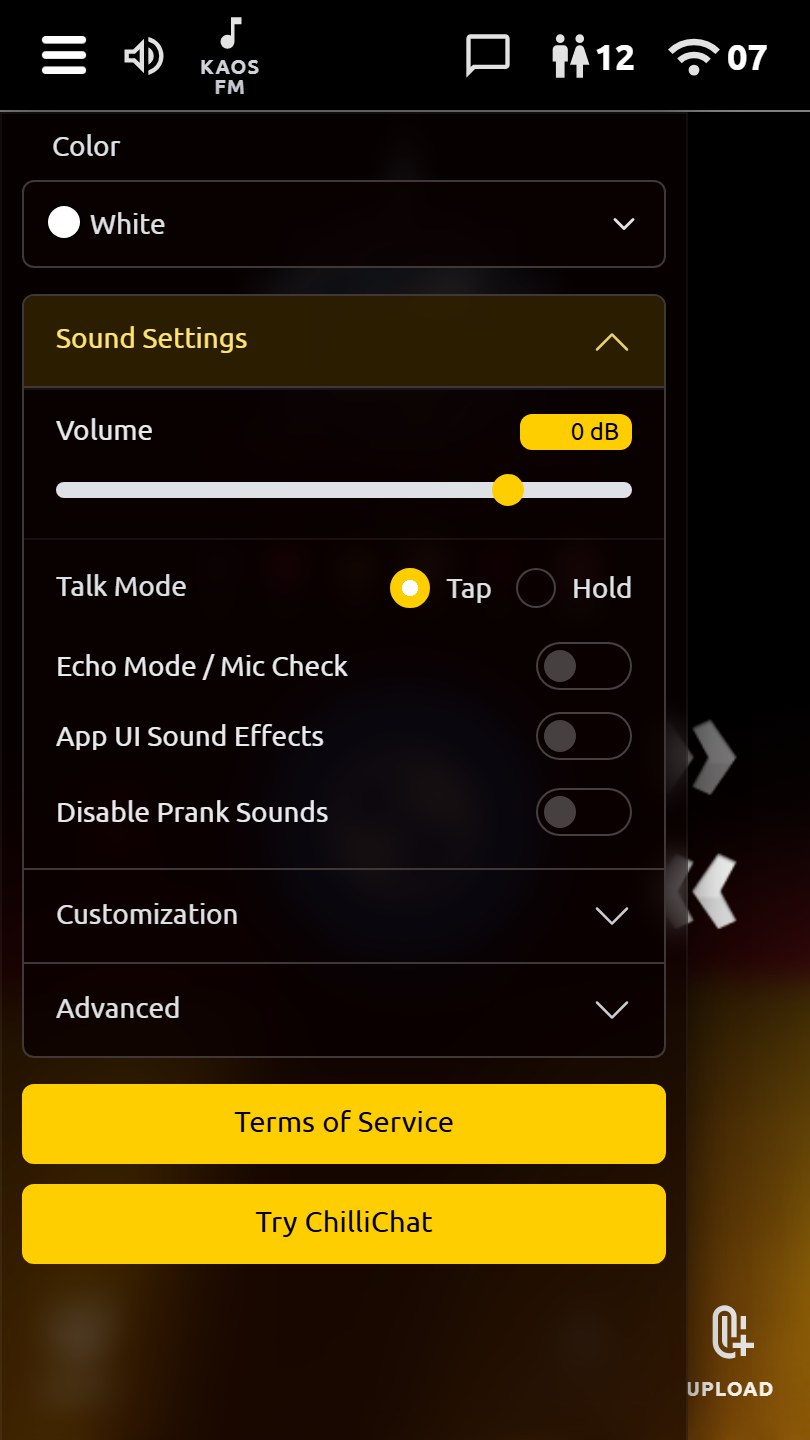
Instant push-to-talk voice chat, plus Channel 11 Live for real-time low-latency group audio. Connect globally and anonymously. Features include live speaker indicators, media key-ups, real-time reactions, Chaos Chips, private chats, friends, leaderboards & Hall of Fame, customizable themes, roger beeps, block & mute controls, and more.
App in Action
Core Features
Queued Channels + Live Channel 11
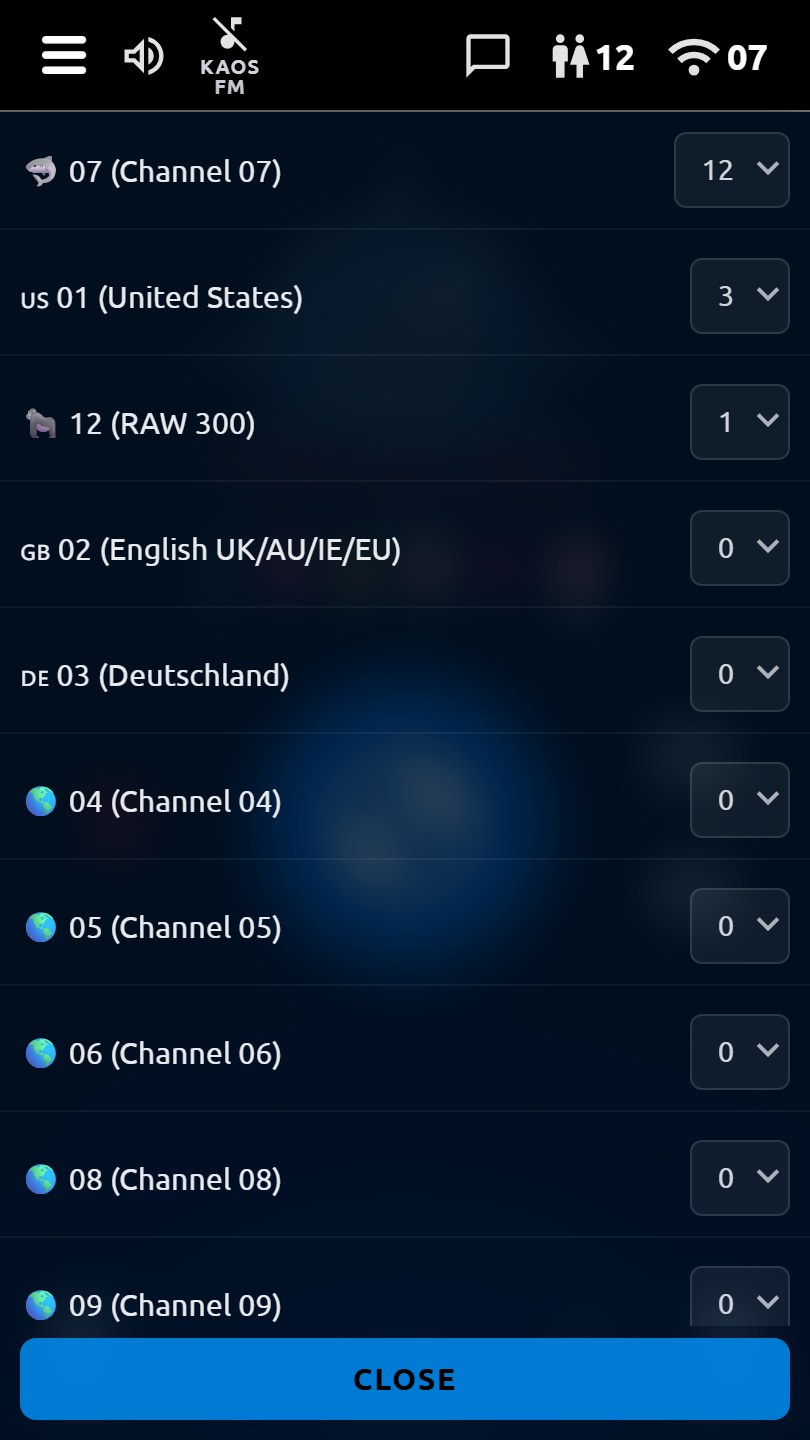
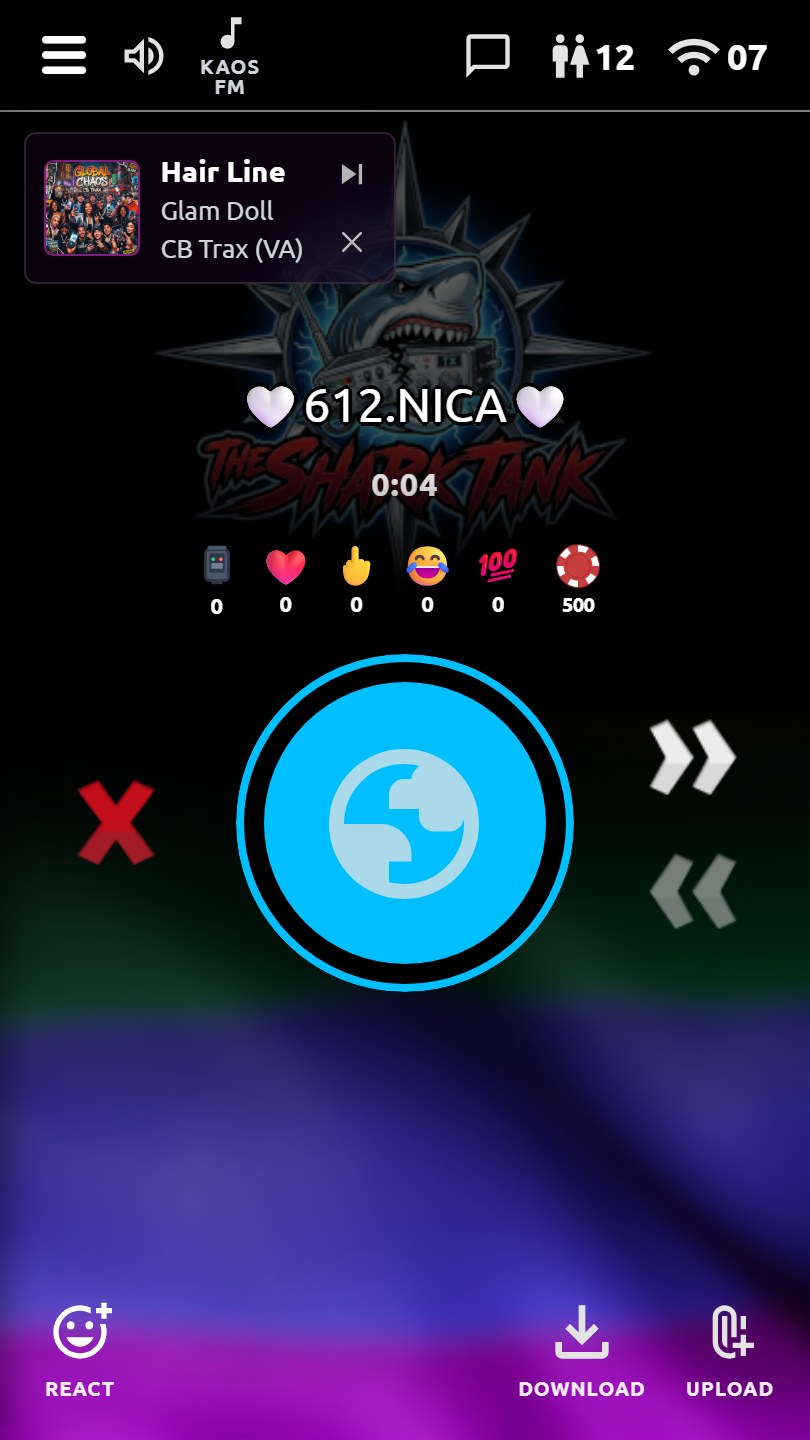
Hop between classic queued push-to-talk channels or switch to Channel 11 Live for an open, low-latency voice bridge. Queued channels use delivered audio messages; Live Channel 11 provides real-time audio with voice-activity speaker indicators and client-side block/mute controls.
Privacy Focused by Design
No real names, emails, GPS location, tracking cookies, external analytics, or server-side IP address records. Operational identifiers are limited to nicknames, local preferences, device fingerprints, block lists, moderation records, and feature state needed to run the app.
Instant Connection
Connect instantly with no account, email, or profile required. Choose a nickname and start talking; the app uses a privacy-preserving device/browser fingerprint only to keep moderation, blocks, and stats working without IP address records.
Interactive Feedback & Reactions
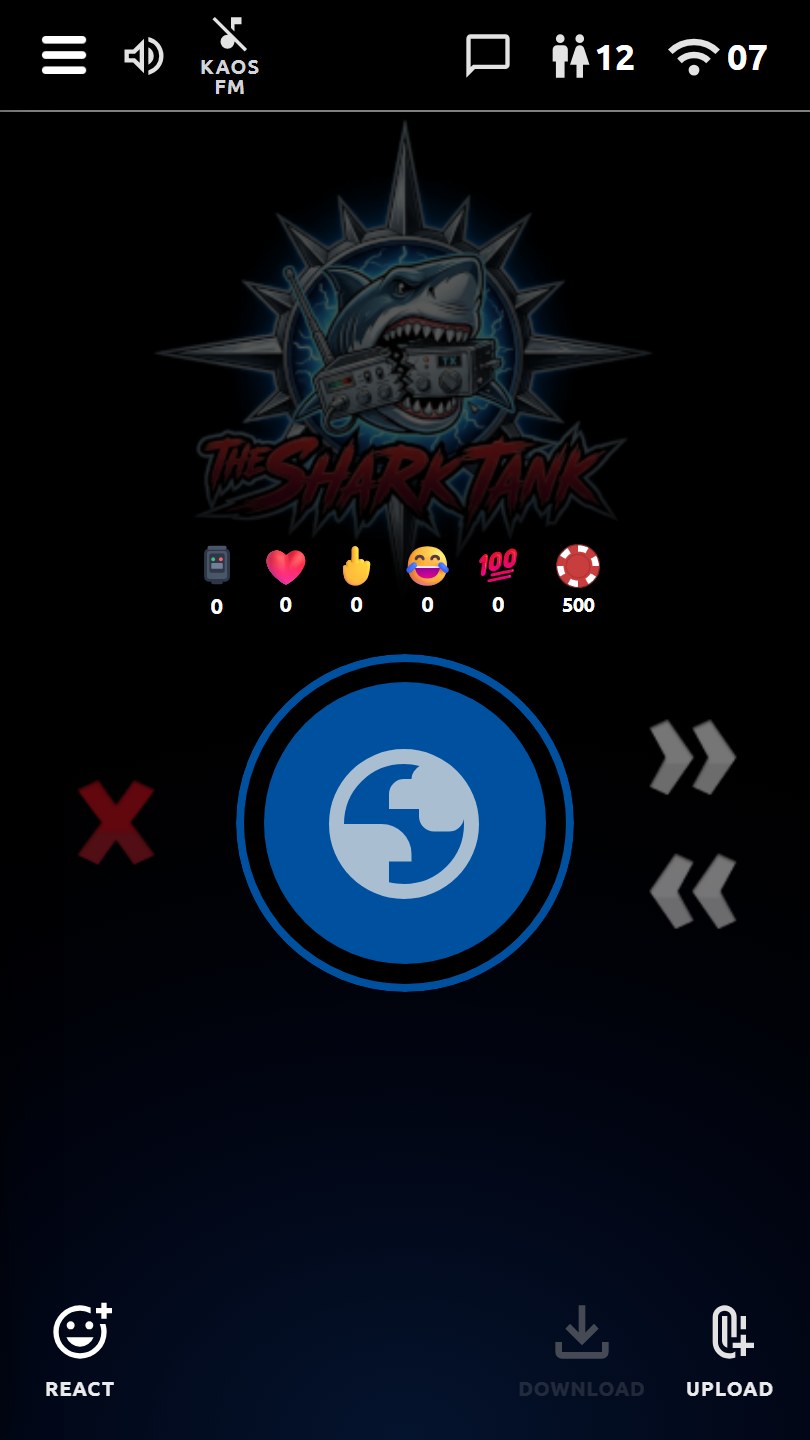
React with heart ❤️, middle finger 🖕, LOLz 😂, or 100 💯—plus four long-press customizable emoji buttons. Particle animations and real-time scoreboard. Show appreciation or disapproval instantly.
Leaderboards & Hall of Fame
Monthly leaderboards for key-ups, hearts, fingers, LOLz, and 100. Compete for top spots; monthly winners are saved in the Hall of Fame. Climb the ranks and make your mark.
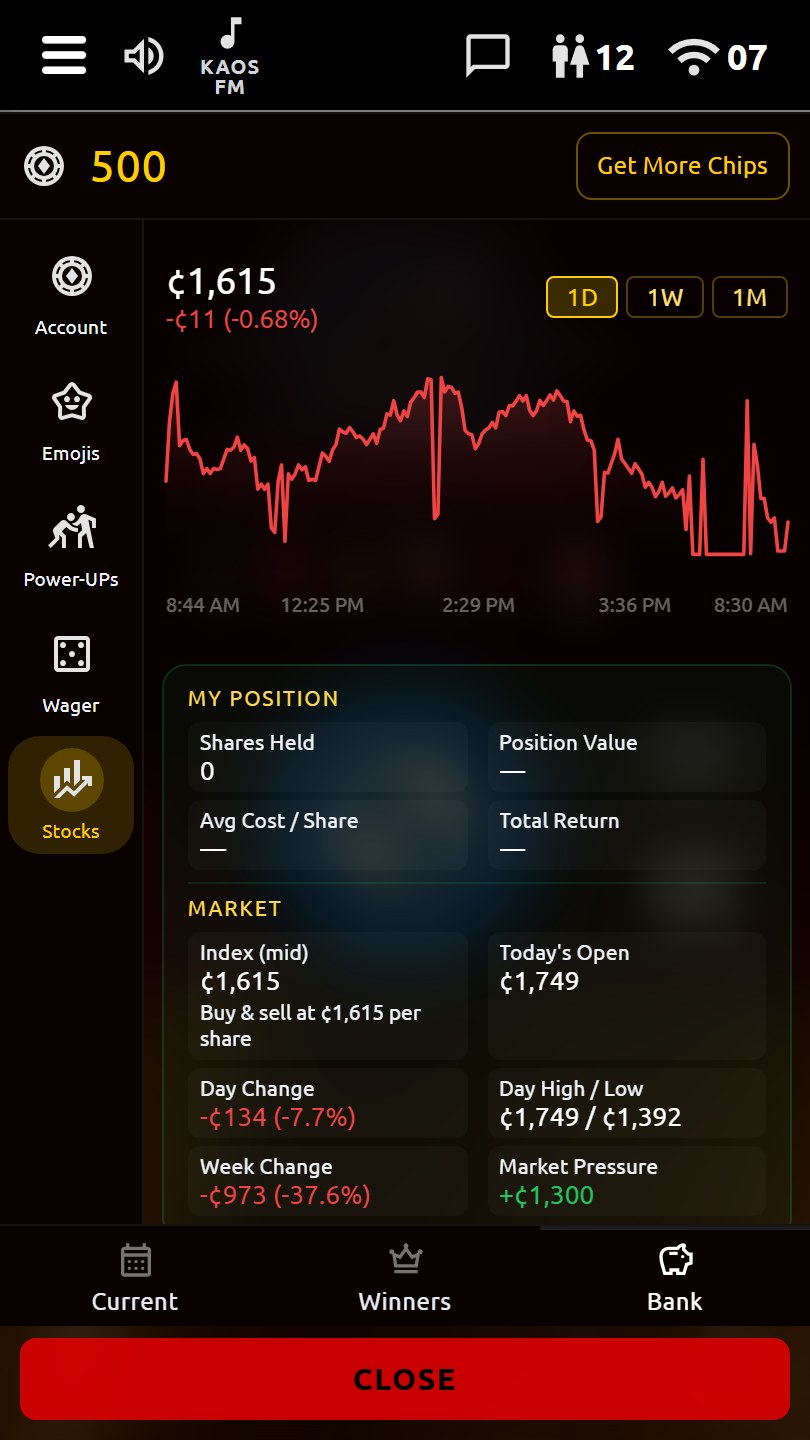
Chaos Bank & Chips
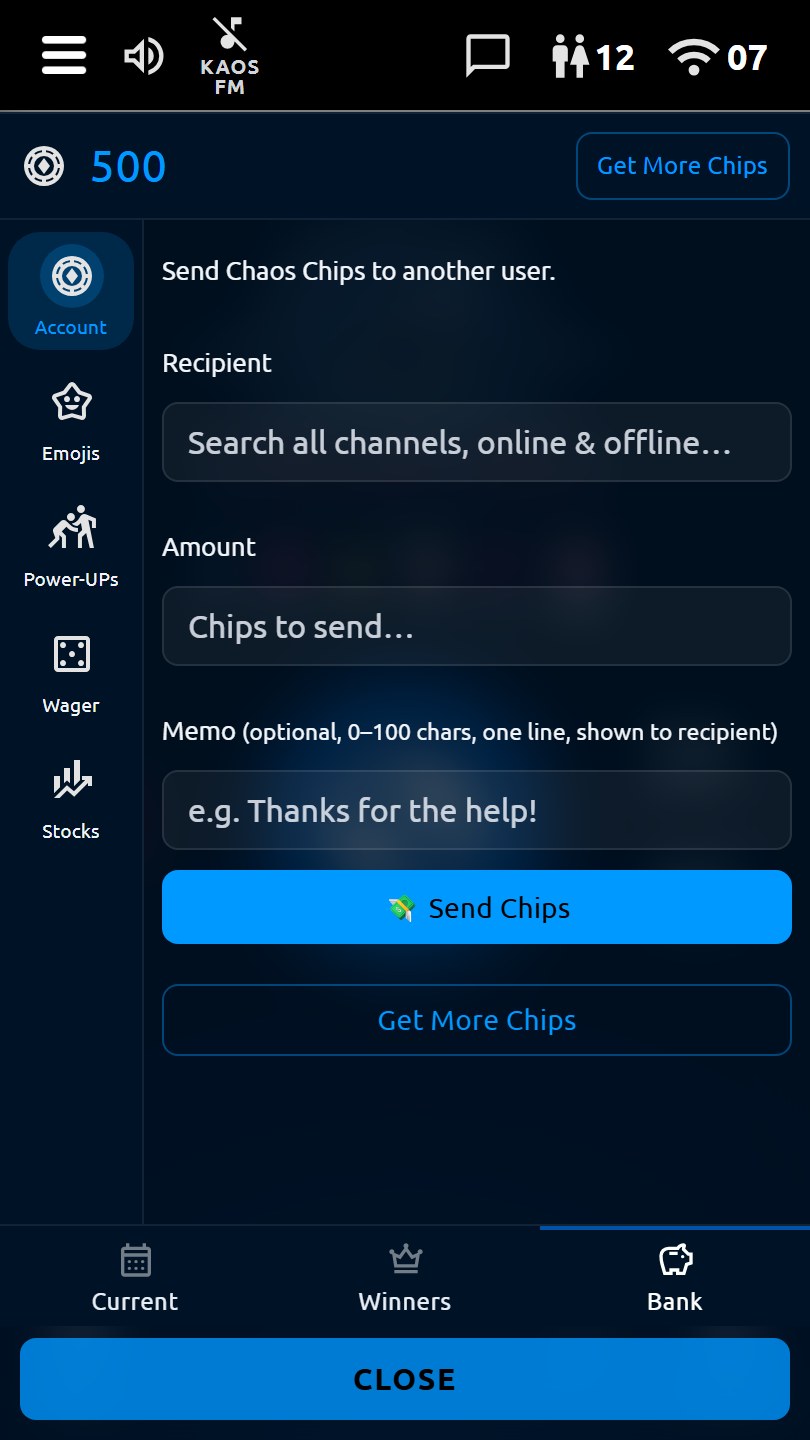
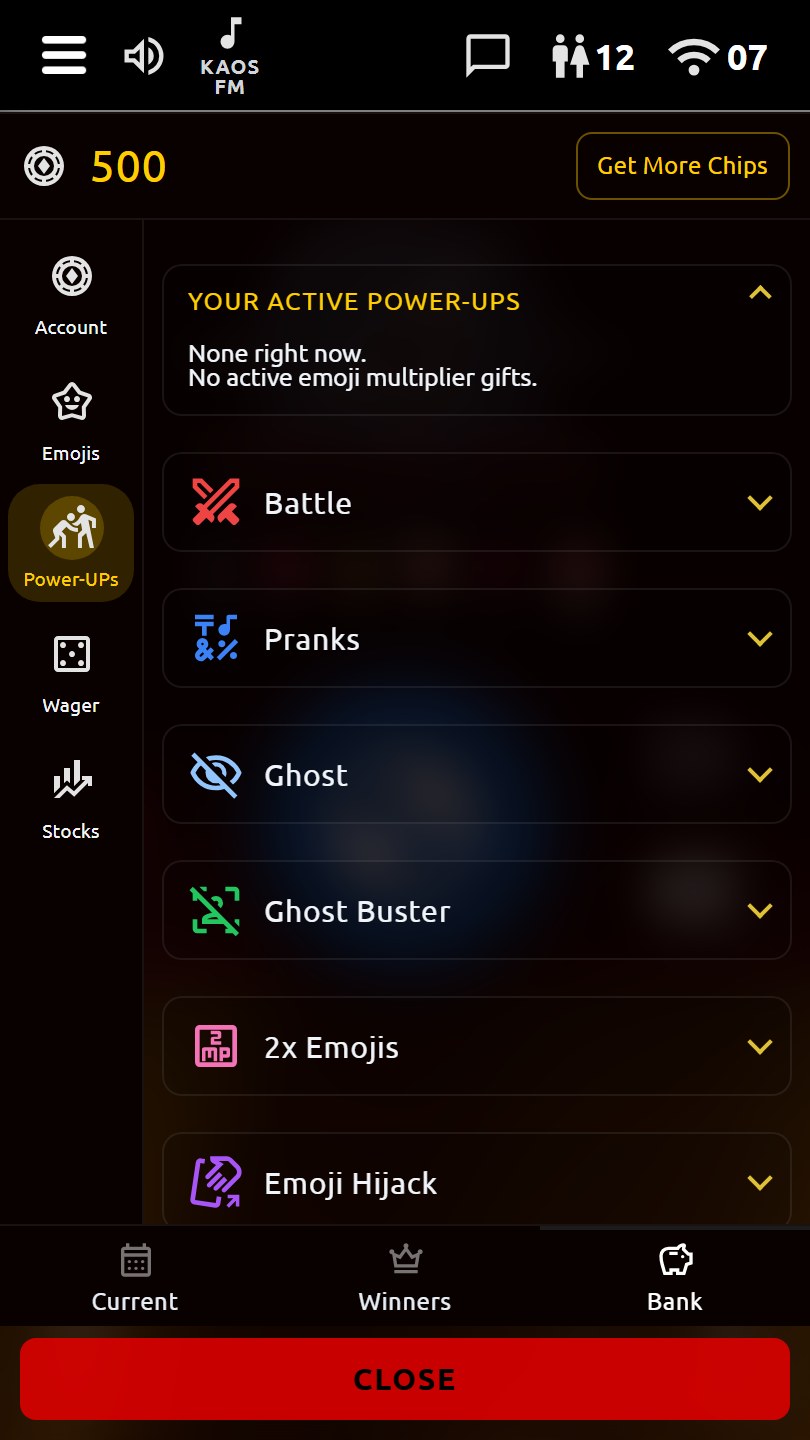
Track your Chaos Chips from the scoreboard, open the Chaos Bank, and use chips for user-facing boosts, pranks, and reaction multipliers that add more mayhem to the channel.
Inbox & Private Messaging
Full inbox (Messenger) for private text, images, and video messages. Conversation threads, multiple chats, offline delivery, a Friends tab, and image lightbox save/share controls keep private comms organized.
Media Key-Ups
Send more than voice: upload images, short videos, and audio clips, or capture a quick camera message directly from the app. Received media plays inline in the channel display.
Built-In Radio Player
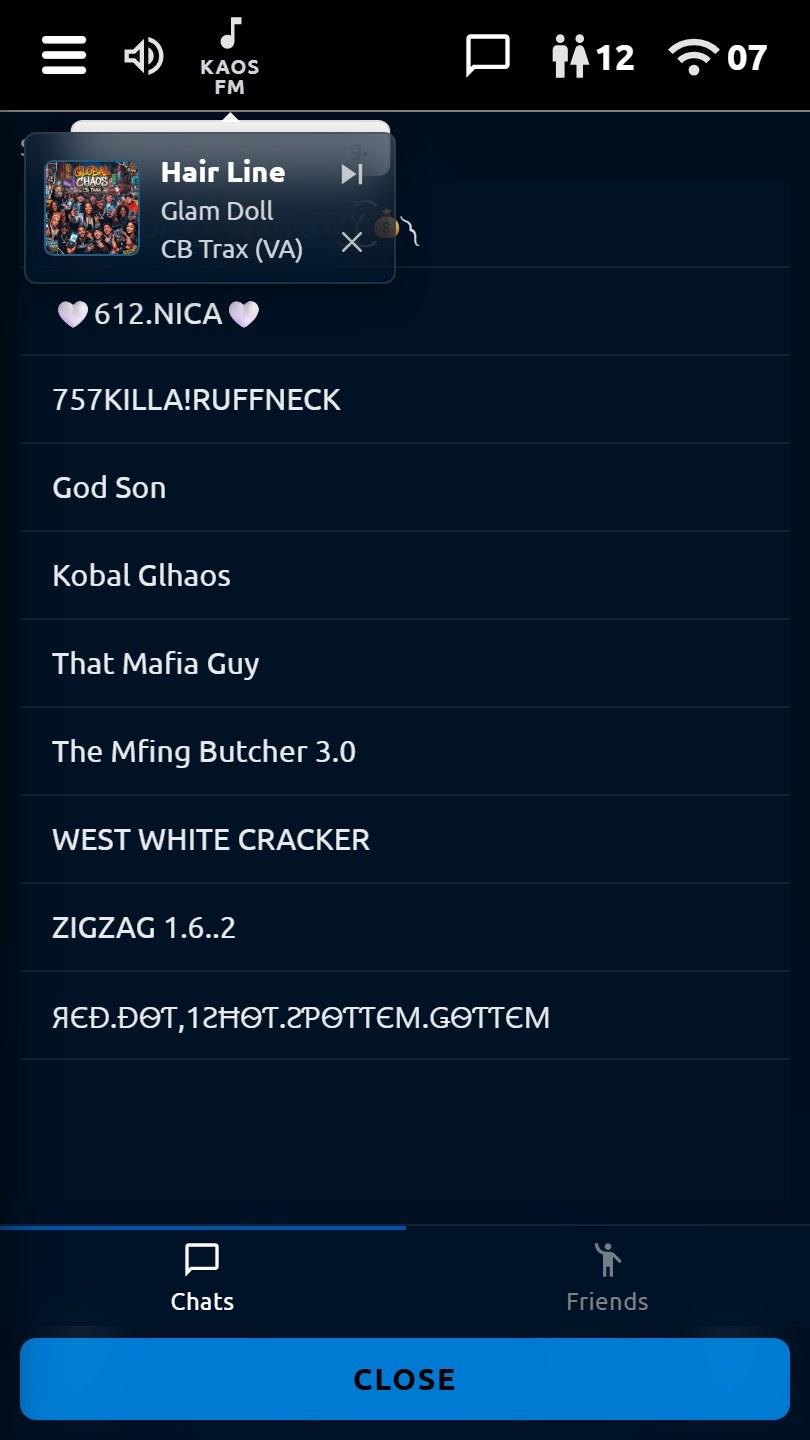
Play Global Chaos Radio from the top bar while you hang out, with simple play/stop controls and now-playing information built into the app interface.
Customizable Color Themes
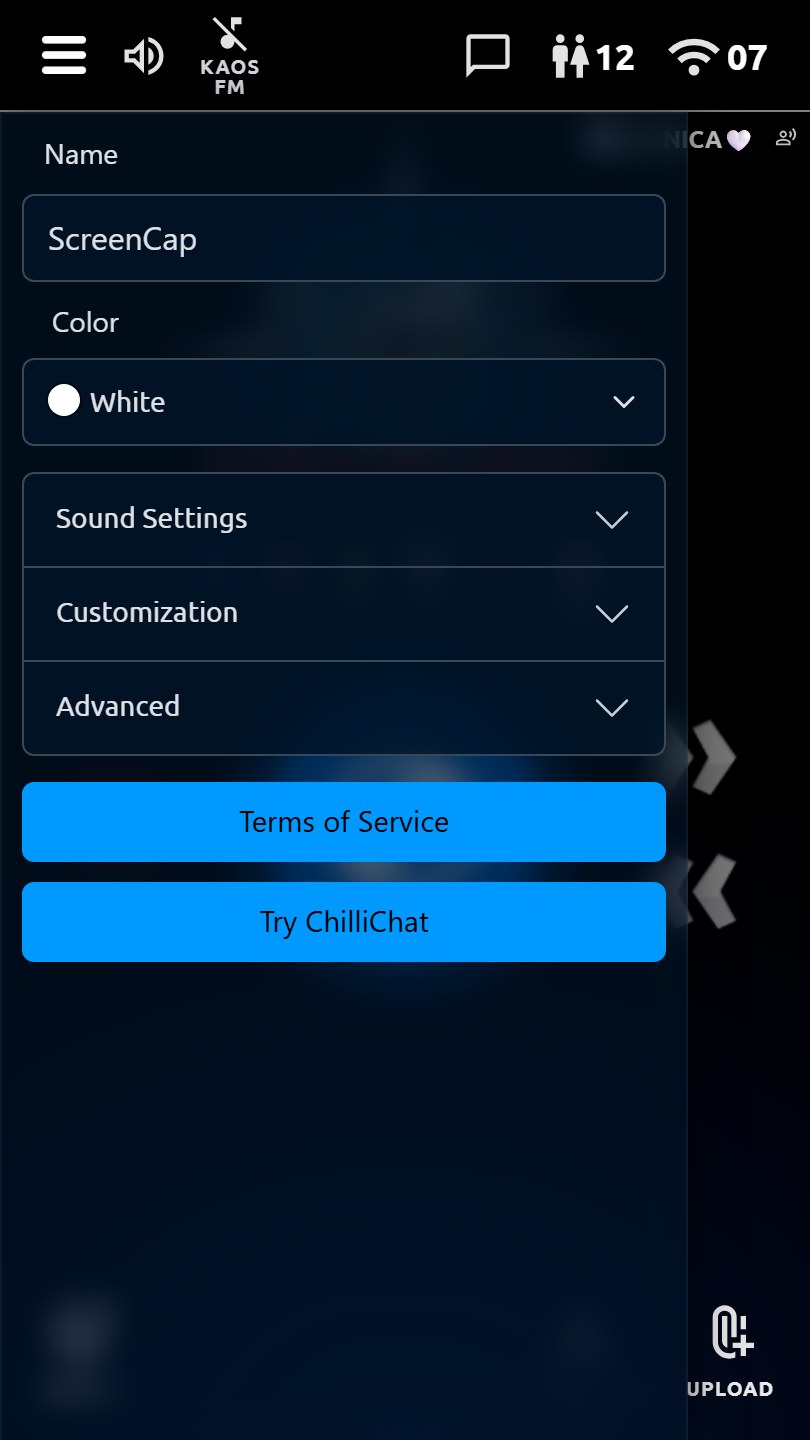
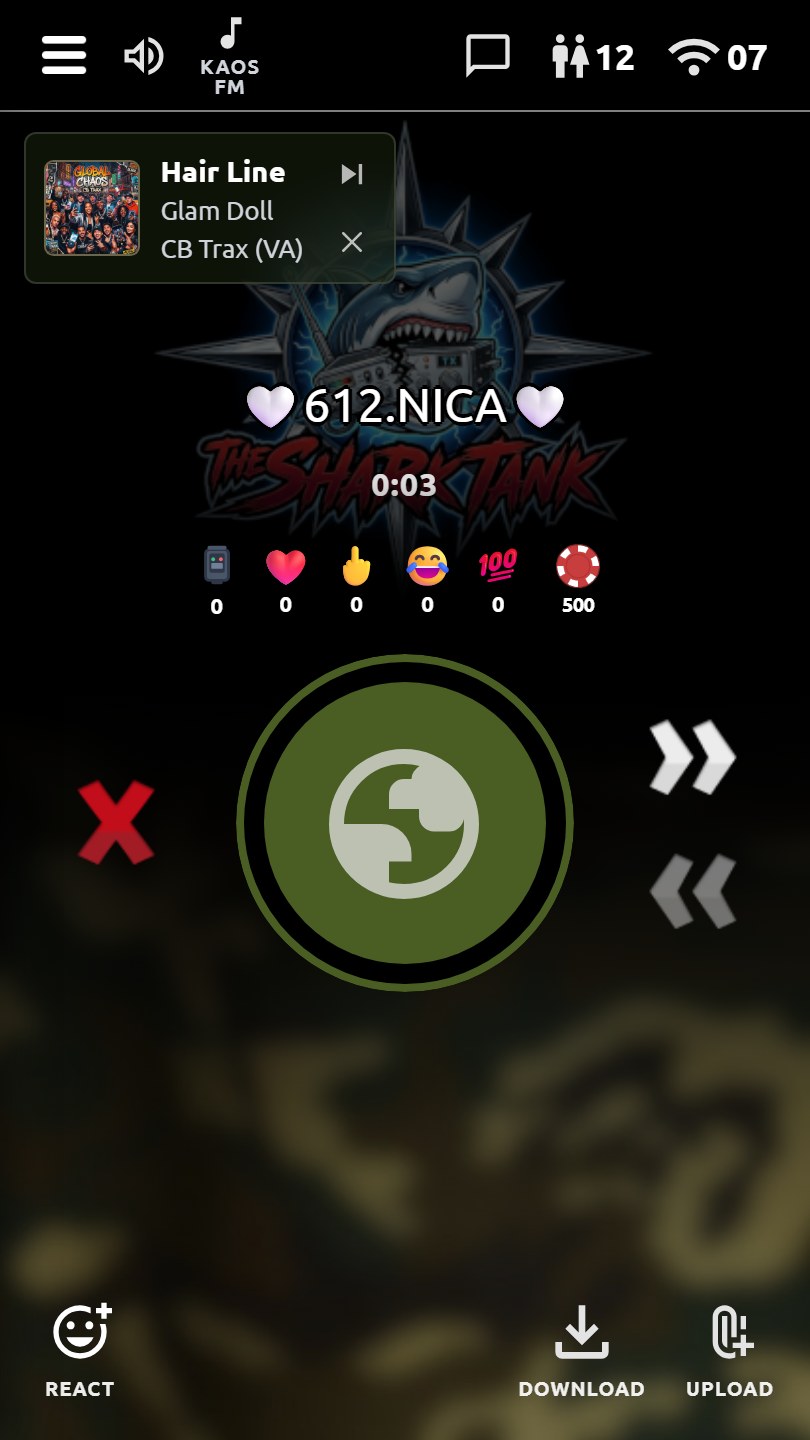
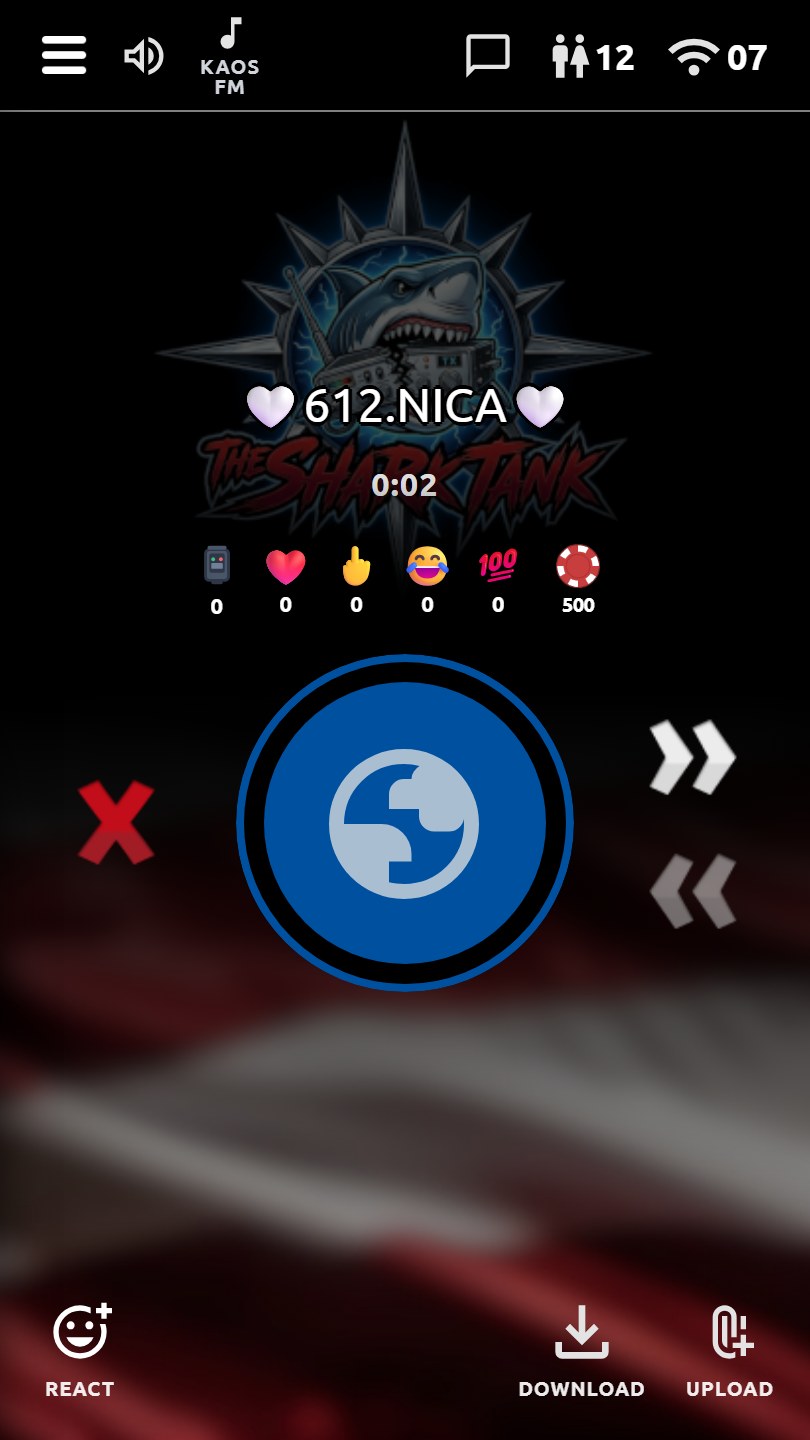
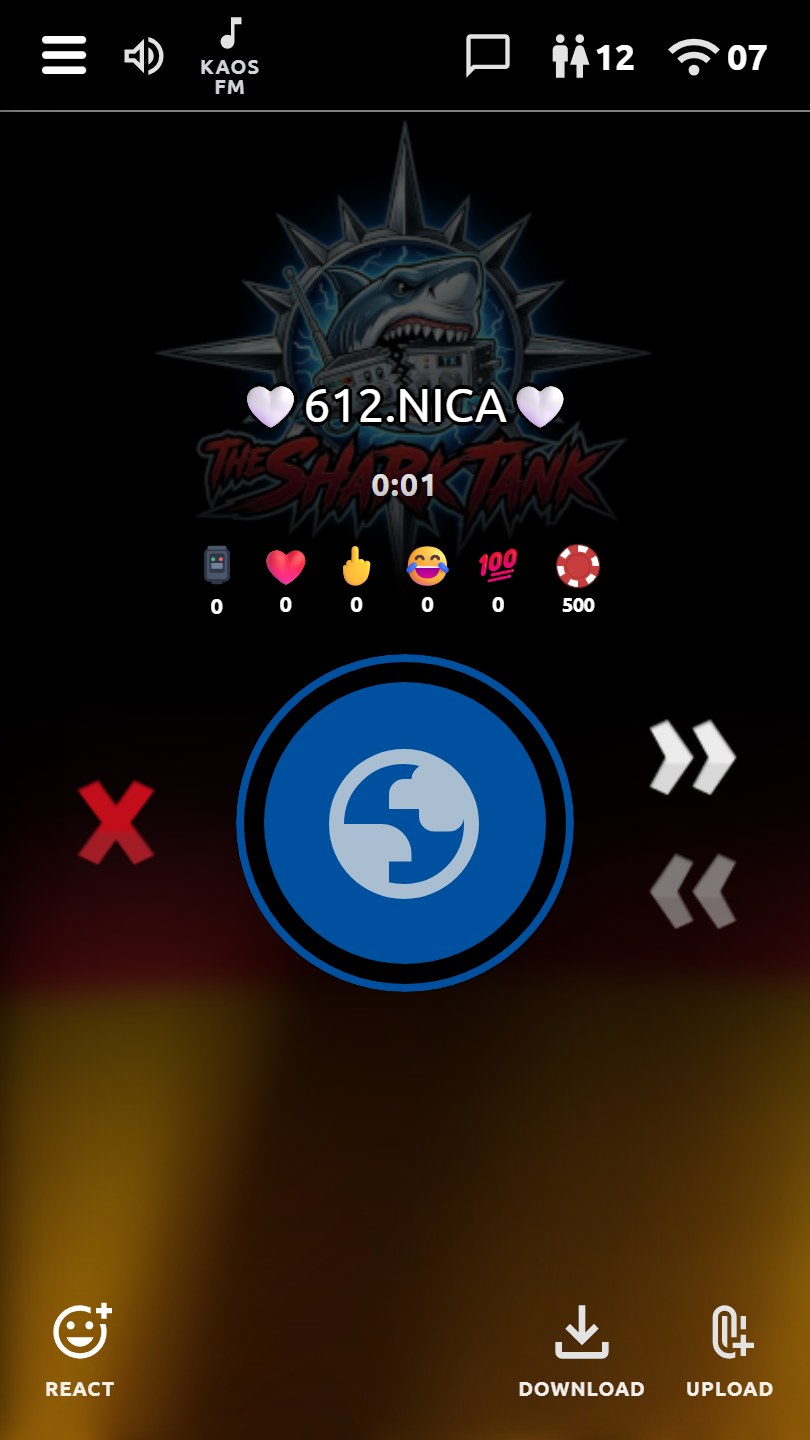
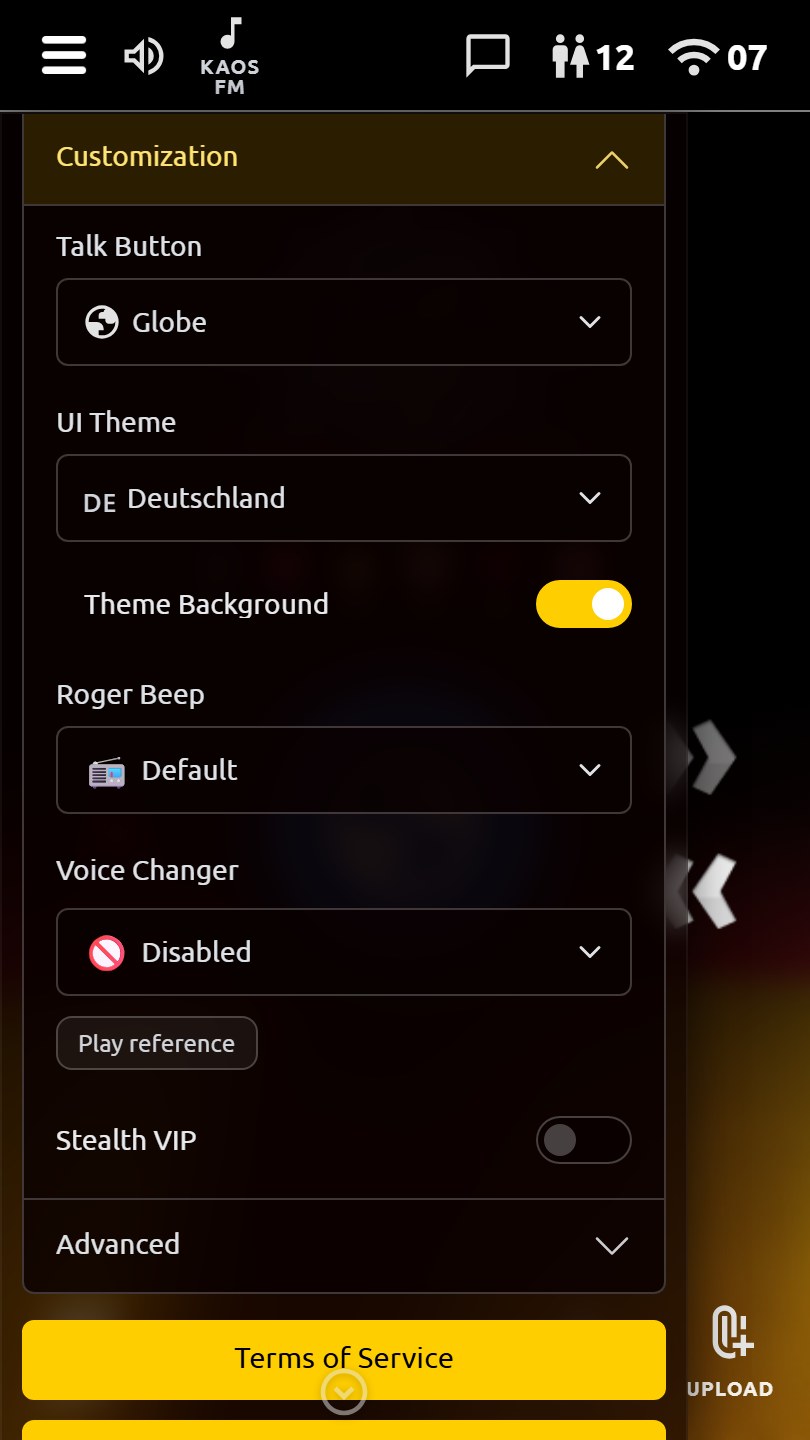
Choose from a growing library of color schemes, skins, and visual styles, from classic single-color looks to specialty themes like glass, pride, seasonal, flag-inspired, camo, and high-contrast options. Change the whole look of the app to match your mood.
Name Colors & Identity Style
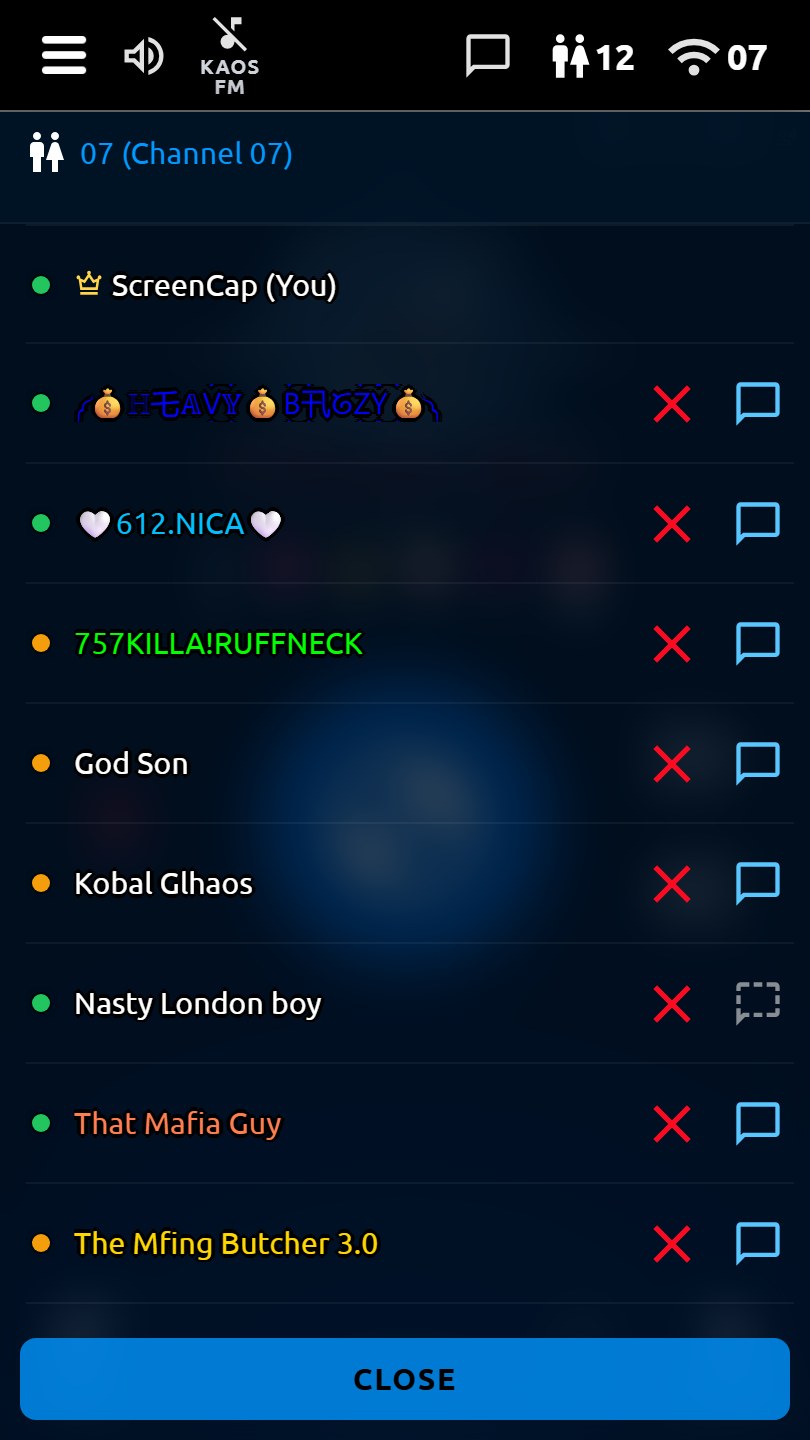
Pick a display name color from a broad palette so your handle stands out in user lists, conversations, scoreboards, and channel activity.
25+ Talk Button Themes
Customize the main talk button with 25+ themes: Microphone, Crosshair, Globe, Alien, Axe, Clover, Dice, Explosion, Heart, Peace, Smiley, Splat, Skull, Radio Tower, Target, Biohazard, Flower, Half-Life, Hammers, Yin Yang, and more.
Emoji Picker
Comprehensive emoji picker with over 650 emojis organized by category (Smileys & People, Animals & Nature, Food & Drink, Activity & Sports, Travel & Places, Objects & Symbols, Flags). Search functionality included. Perfect for customizing your reaction buttons.
User Stats & Profiles
View key-ups and reaction scores (hearts, fingers, LOLz, 100) tied to nicknames and privacy-preserving app identifiers. Open user info for aliases and app-recognized identifiers, then message, block, or join their channel from one place.
Queue Visualization
On queued channels, the queue bar shows upcoming messages, current playback, and playback history at a glance. In Live Channel 11, the bar becomes a live mic/activity indicator instead of a queued-message timeline.
Download Messages
Save individual queued audio messages locally, or download recordings you create on your own device. Keep memorable transmissions for personal use.
Roger Beep Customization
Choose from 20+ roger beep and SFX options: classic beeps, NASA Quindar, Morse K, Formula One, or fun SFX (farts, cartoons, guns, magic, animals, and more). Optional beep visuals. Play a sound when you finish transmitting.
Block & Message Controls
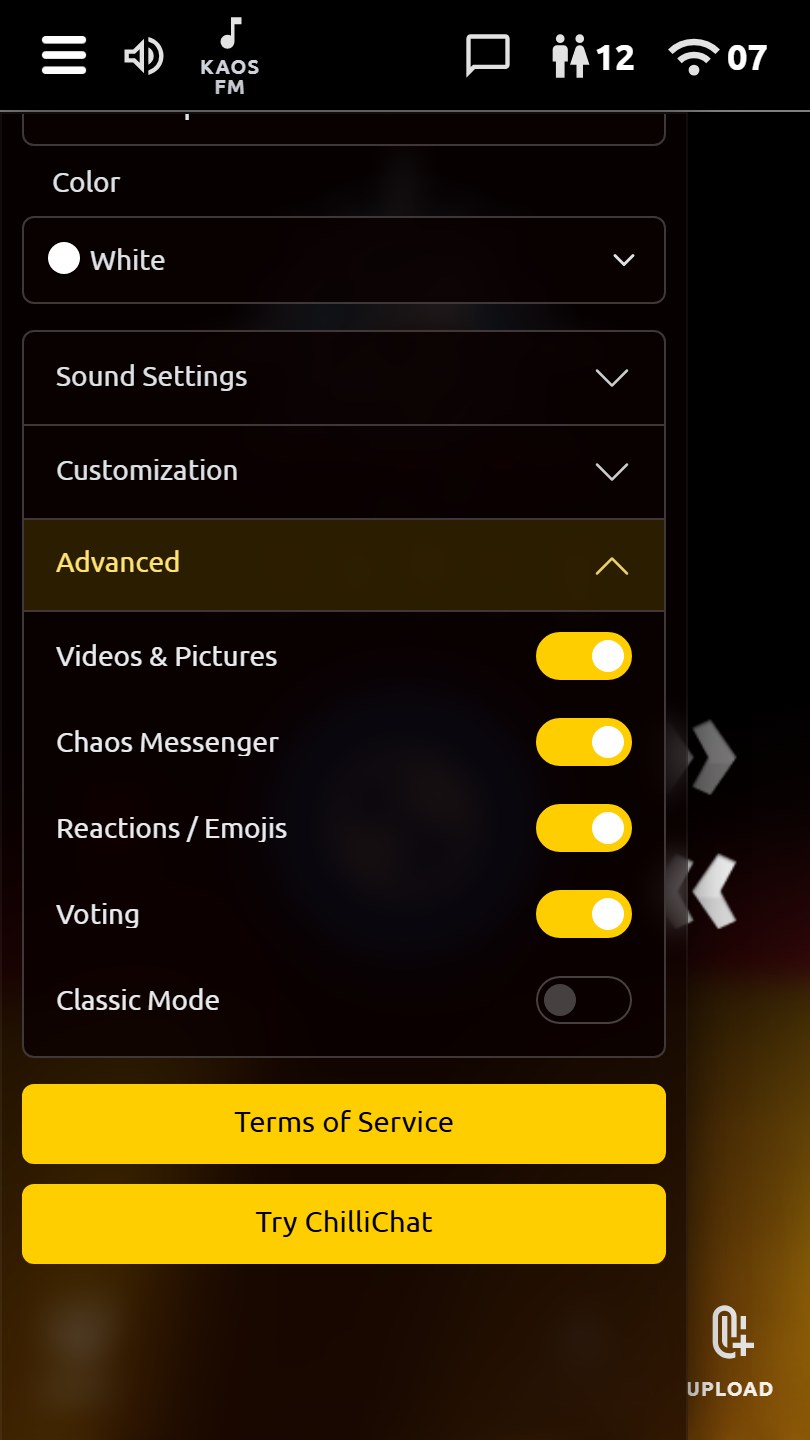
Permanently block any user from voice and messaging. Blocks apply to queued channels and client-side Live Channel 11 audio, while Messenger can be toggled on or off. You're in control of who you hear and who can reach you.
Queue Skip & Reverse
On queued channels, skip the current message or reverse the queue with dedicated buttons. Long-press skip to jump to the end, or long-press reverse to jump to the start. Live Channel 11 is real-time audio, so queue skip/reverse controls do not apply there.
Channel Scan & Simple View
Auto channel jump can help you follow active rooms, while Car Mode / Simple Mode trims the interface down for a cleaner, easier view when you want fewer controls on screen.
User Activity Indicators
Status indicators update automatically based on user activity, so you can see who's active, listening, or away without manual status switching.